No. Bambu Studio cannot slice for a Flashforge printer, because it has no Flashforge profiles: no AD5X, no Adventurer 5M, no Creator 5. You can open it and load a model, but it cannot prepare a print for a machine it does not know.
That is almost never what people really want to know, though.
What you actually want
What people want is the project they downloaded from MakerWorld. That file is a .3mf saved by Bambu Studio, and it carries everything the designer tested: layer height, walls, infill, supports, temperatures and colors.
The same file also carries the designer's printer: machine limits, start G-code and the AMS filament system. None of that matches a Flashforge. That is why opening it in OrcaSlicer or Flash Studio goes wrong: the slicer drops the project and loads a clean profile, or shows the objects off the plate.
Use OrcaSlicer or Flash Studio, with the converted project
- On MakerWorld, download the print profile, not the model file.
- Convert it at forgebridge.app for your Flashforge.
- Open the converted file as a project in OrcaSlicer or Flash Studio (File, Open Project). Do not drag it onto the plate.
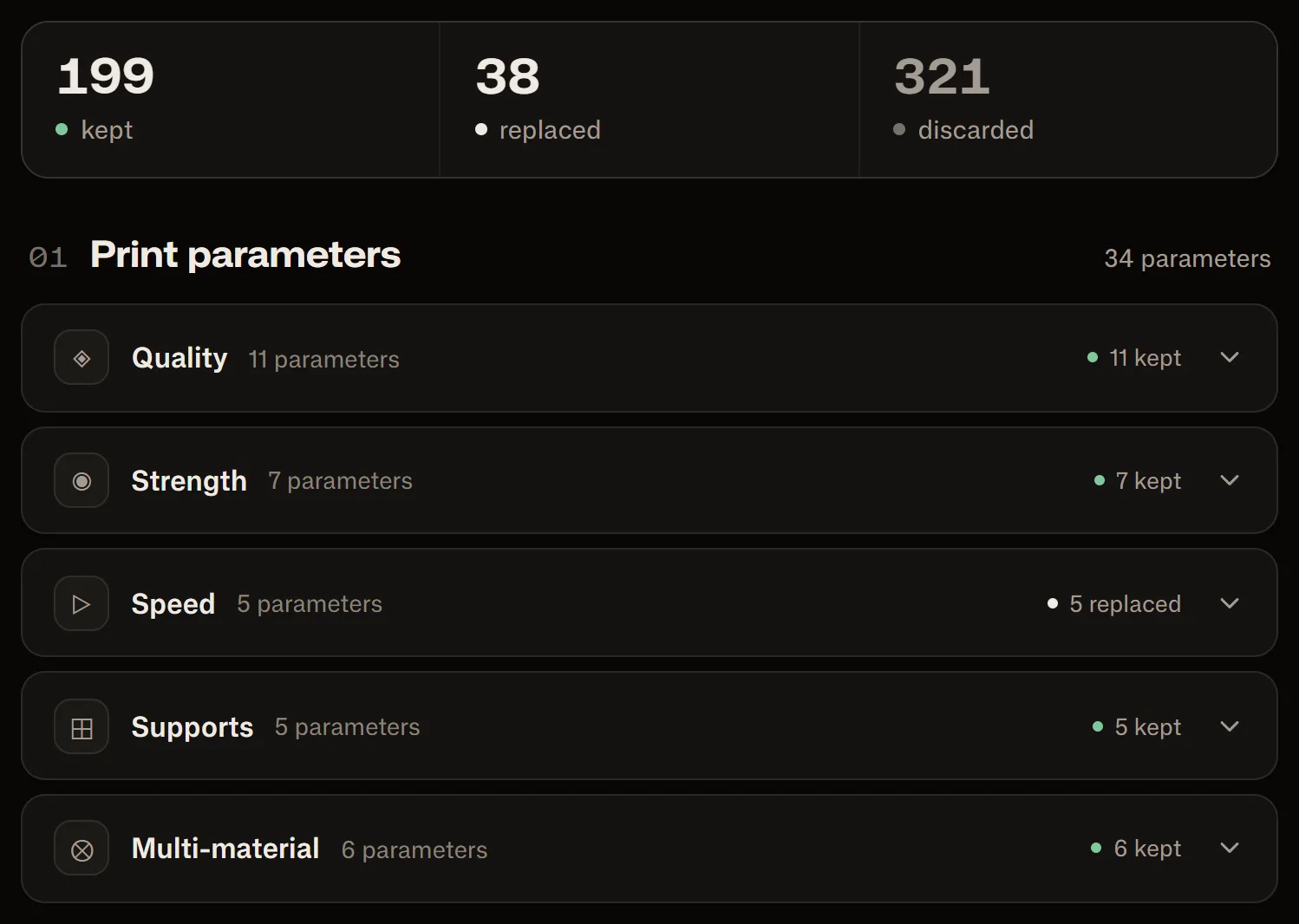
You keep the designer's settings on your printer's official profile. Speeds and accelerations are replaced on purpose: they are tuned for a Bambu's motion system, and your printer's profile already has its own. The report shows it setting by setting:
Two errors people search for
“Invalid values found in the 3MF” comes from opening a Bambu project as it is: it uses -1 in settings Flash Studio only accepts as positive numbers. “Partial flushing volume set to 0” shows up mostly with projects saved for a two-nozzle Bambu, like the H2D. Both go away with the converted file.
Rodrigo Mass