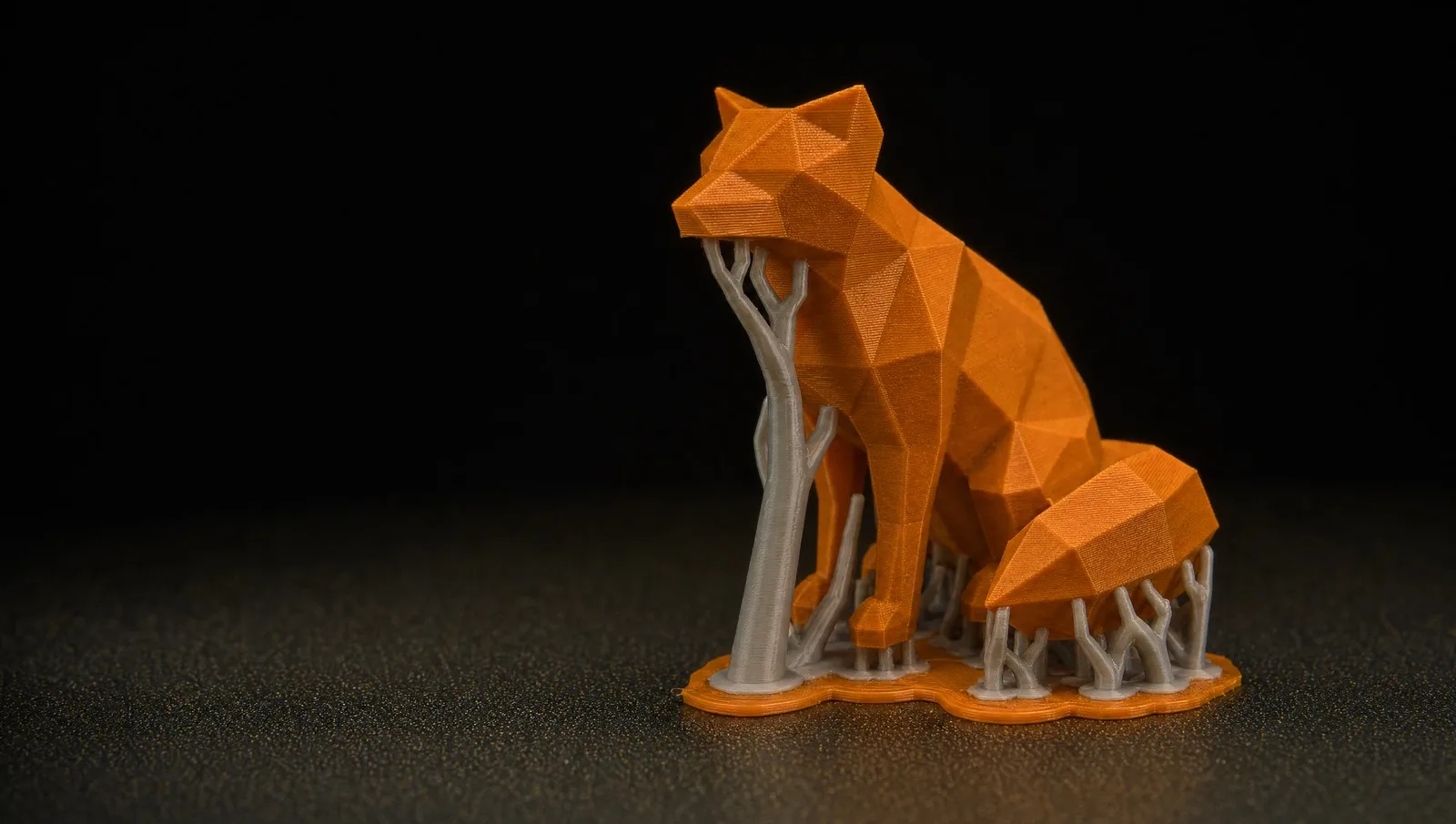
Flash Studio shows “Invalid values found in the 3MF” when you open a project saved by Bambu Studio that uses -1 in a setting where Flash Studio only accepts a positive number.
Why it happens
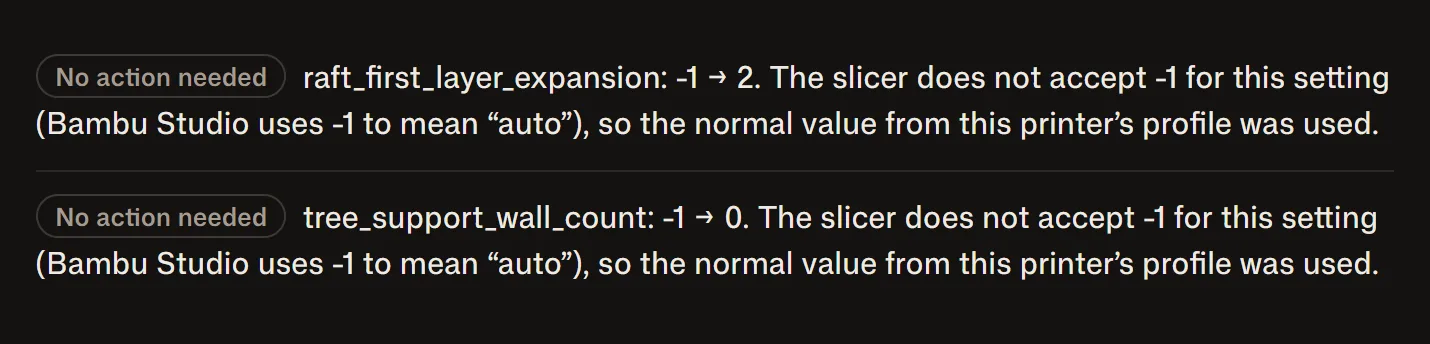
Bambu Studio writes -1 in some settings to mean “automatic”. The two cases seen so far are the tree support wall count and the raft first layer expansion. OrcaSlicer accepts that -1. Flash Studio does not, so it warns you when it opens the project, and the values it ends up using may not be the ones the designer intended.
It shows up most with projects downloaded from MakerWorld, because they are all saved by Bambu Studio.
How to fix it
You can open the project, find those settings and type a valid value by hand. The catch is knowing which settings they are: the warning does not always say.
Or convert the file at forgebridge.app for your Flashforge. ForgeBridge finds those values before you open the project, replaces each one with the normal value from your printer's profile, and lists them in the report that comes with the file:
Then open it as a project in Flash Studio (File, Open Project) and the warning is gone.
Rodrigo Mass