Yes, you can print any MakerWorld model on a Flashforge AD5X, Adventurer 5M, 5M Pro, Creator 5 or Creator 5 Pro. MakerWorld is Bambu Lab's site, but the models are just 3D files, and your printer does not care where they came from.
What does not travel well is the print profile.
Model file or print profile
On every MakerWorld model page you can download two kinds of .3mf:
- The model file: the geometry only. It opens anywhere, and you set everything else yourself.
- The print profile: the geometry plus everything the designer tested. Layer height, walls, infill, supports, temperatures and which color goes where. This is the valuable one, because someone already printed it and fixed what failed.
The print profile is saved by Bambu Studio for a Bambu printer. It carries that printer's machine limits, start G-code and filament system. Open it as it is in OrcaSlicer or Flash Studio and the slicer sees a printer it does not know: it drops the project, or loads half of it with the objects off the plate.
How to keep the designer's settings
- On MakerWorld, download the print profile, not the model file.
- Upload it at forgebridge.app and pick your Flashforge.
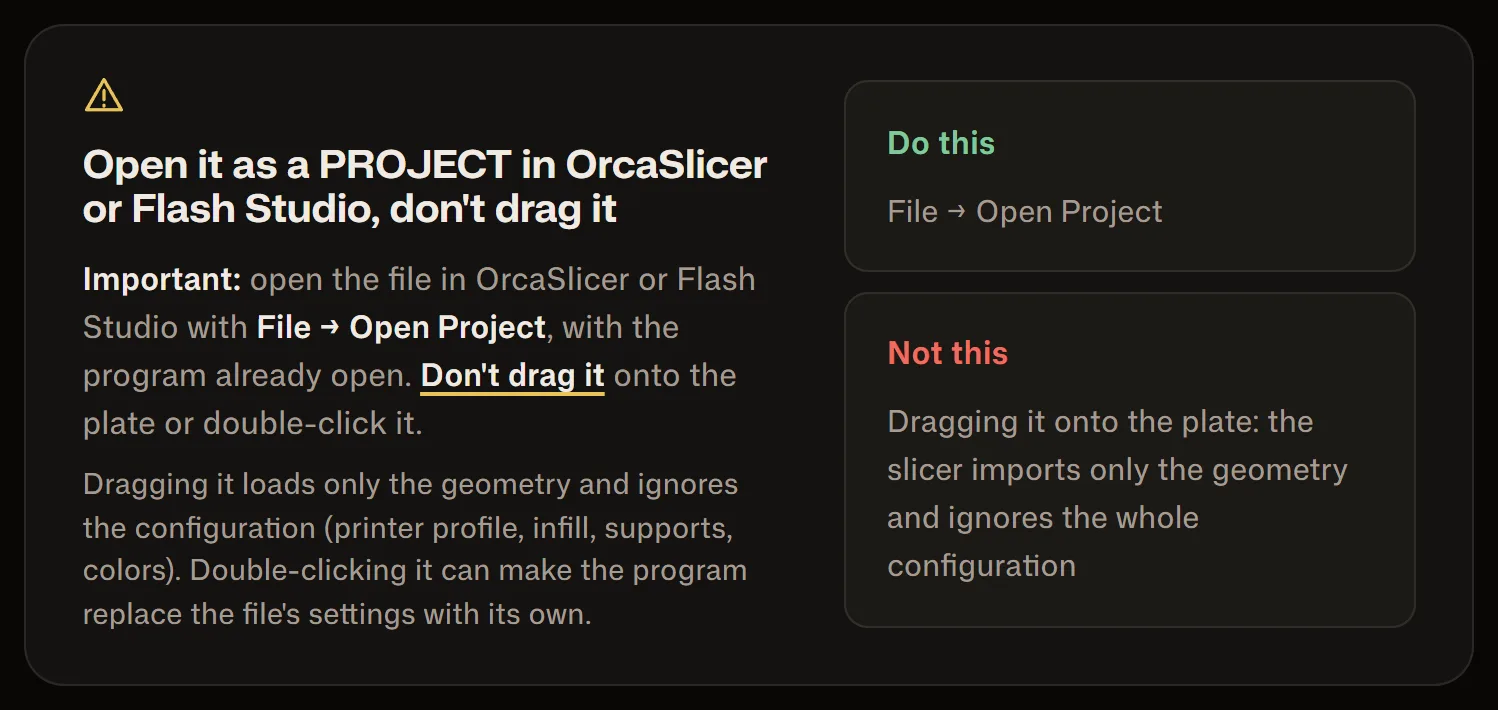
- Open the converted file as a project in OrcaSlicer or Flash Studio (File, Open Project). Do not drag it onto the plate: dragging imports the geometry only.
You get the designer's layers, walls, infill, supports, temperatures and colors on your printer's official profile. The report that comes with the file lists every setting and what happened to it.
If you download a lot from MakerWorld, the ForgeBridge extension for Chrome, Edge and Firefox converts the file from the model page, without saving it first.
The free plan converts 3 files a month with every printer and the full report. For more, there is Pro.
Rodrigo Mass